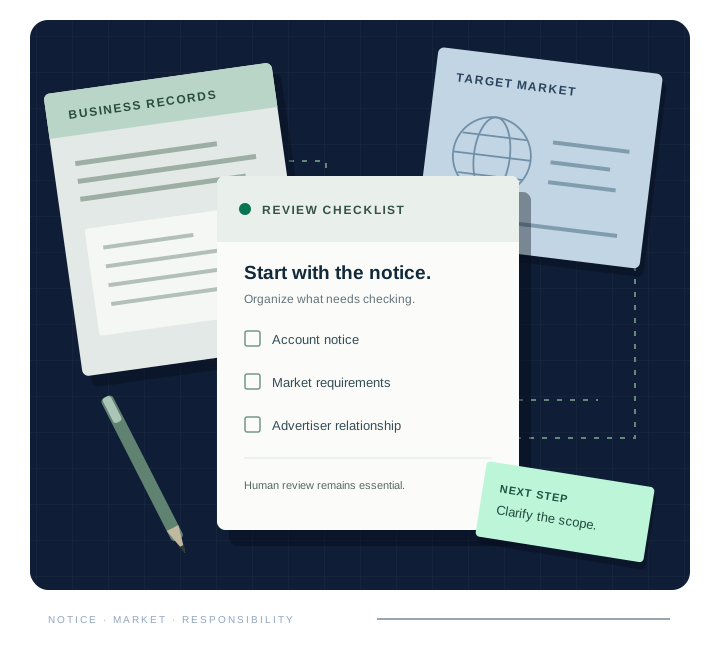
Identify which question each verification request is asking. Google advertiser verification concerns advertiser identity or business operations. Financial-services verification introduces additional requirements for affected target locations. An approval in one process does not automatically settle the other, so track the remaining account requests separately.
Two messages about verification can ask your team to prove different things. Before choosing a document pack or an application route, separate the business-identity request from the requirements for financial advertising in your target location.
What does the task name tell you?
Read the task inside the account and retain its instructions and deadline. Google’s advertiser-verification requirements depend on the account and circumstances. Do not assume that a previous submission answers a new notice simply because both use the word verification. The exact request should guide the next action.
Which location’s requirements apply?
Financial advertising requirements depend on the target market and the advertiser’s role. Start with Google’s official list of verification locations and relevant registries, then read the country-specific guidance. Avoid copying a process from another market without checking that the same route applies to your business.
What remains after a G2RS decision?
Where a G2RS application is part of the route, its approval is followed by the relevant Google step. Ask the account owner to check the current status and outstanding tasks. Keep the distinction clear when handing work between the business and agency so neither assumes the other has completed the process.
Verification does not grant a financial licence or regulator endorsement. It also does not approve every future ad. Advertising claims, products and destinations remain subject to their applicable requirements after a verification task is completed.
How to organize your team’s next step
Make a separate task for each request instead of using a single verified checkbox. Record the account notice, target location, business owner and next required action. That gives your team a clear handoff when identity work and market-specific requirements progress at different times.
Put the findings to work
Use the diagnostic to identify your notice, then open the relevant market guidance. If the remaining work is unclear, AI Gaur can scope a readiness review of your selected pages and information. The review supports your team’s decisions; it does not replace official account instructions.