AI Gaur Verify
Prepare the facts before your verification application.
Organize the business, market and website information your team needs to review.
AI Gaur LLC is independent of Google, G2 Risk Solutions (G2RS) and regulators. We are not affiliated with or endorsed by them.
The short answer
What this means for your team
There is no universal document pack for every advertiser. Use the request in your account and the official requirements for each target market to determine what is needed.
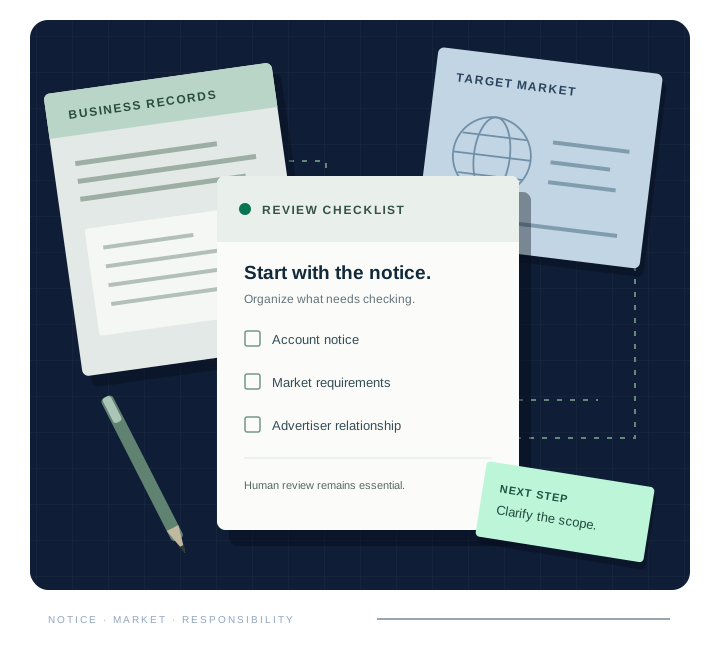
- Keep the exact request.Record the notice, affected account, target location and any stated deadline. Separate an advertiser-identity task from a financial-services request or an ad disapproval.
- Bring the business facts together.Prepare the legal name, website, relevant registration identifier and public registry link where applicable. Confirm who owns the information and who is authorized to submit it.
- Review the destination customers actually see.Check the advertised URLs, business identity, product description and relevant charges. Note inconsistencies for your team to resolve before submission.
Submit sensitive documents only through the official requested channel. For an initial AI Gaur enquiry, send your website, market and notice type. Do not send passwords, verification codes or identity documents.
A useful next step
Turn the question into an action list.
Need a second review? Start with a scoped readiness audit. Application support is a separate service agreed after the findings are understood.
YOUR NEXT STEP
Tell us what is holding up your ads.
Send your website, target market and notice type. We’ll confirm the next step and a fixed quote.
Please do not email passwords, identity documents, verification codes or confidential client records.