AI Gaur Verify
Verified, but your ads are still disapproved?
Use the actual policy reason to decide what to fix or challenge next.
AI Gaur LLC is independent of Google, G2 Risk Solutions (G2RS) and regulators. We are not affiliated with or endorsed by them.
The short answer
What this means for your team
A verification approval does not resolve every advertising policy issue. Check the disapproval attached to the affected ad and destination before starting another verification application.
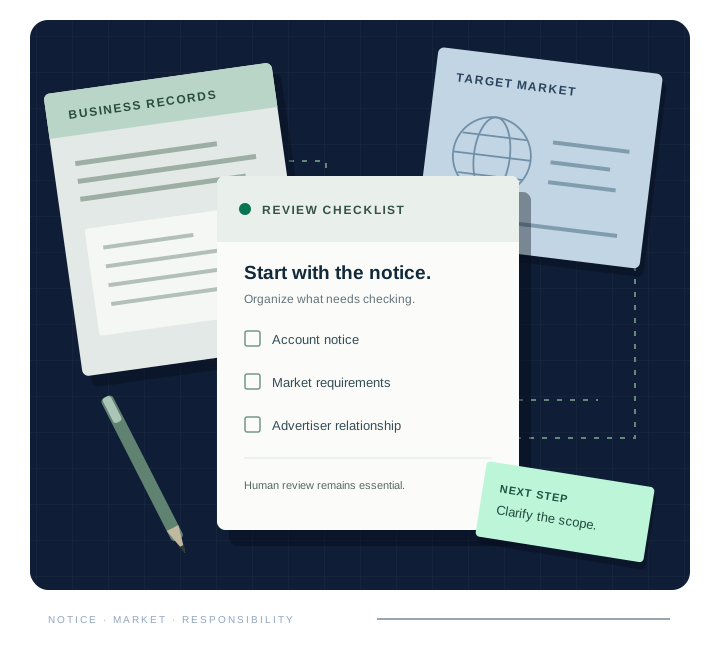
- Identify the policy and affected item.Open the ad’s policy details in Google Ads. Capture the reason and determine whether it concerns the ad, landing page, verification status or an account-level restriction.
- Address the stated issue.Review the cited policy against the actual ad and destination. If a change is needed, correct the relevant content and retain a clear record of what changed.
- Use the appropriate review route.Google provides review and appeal options for disapproved ads. Follow the instructions for your case. If you believe a decision is wrong, explain why with relevant evidence rather than repeatedly submitting the same request.
An account suspension follows a different process from an individual ad disapproval. Do not create replacement accounts or disguise the destination to evade enforcement.
A useful next step
Turn the question into an action list.
AI Gaur can review the notice and selected landing pages for a prioritized action list. Appeals and reinstatement work are not included in the standard readiness audit.
YOUR NEXT STEP
Tell us what is holding up your ads.
Send your website, target market and notice type. We’ll confirm the next step and a fixed quote.
Please do not email passwords, identity documents, verification codes or confidential client records.